
QuickAI
Run AI models on your own computer. Chat, code, pictures and video, private by default.
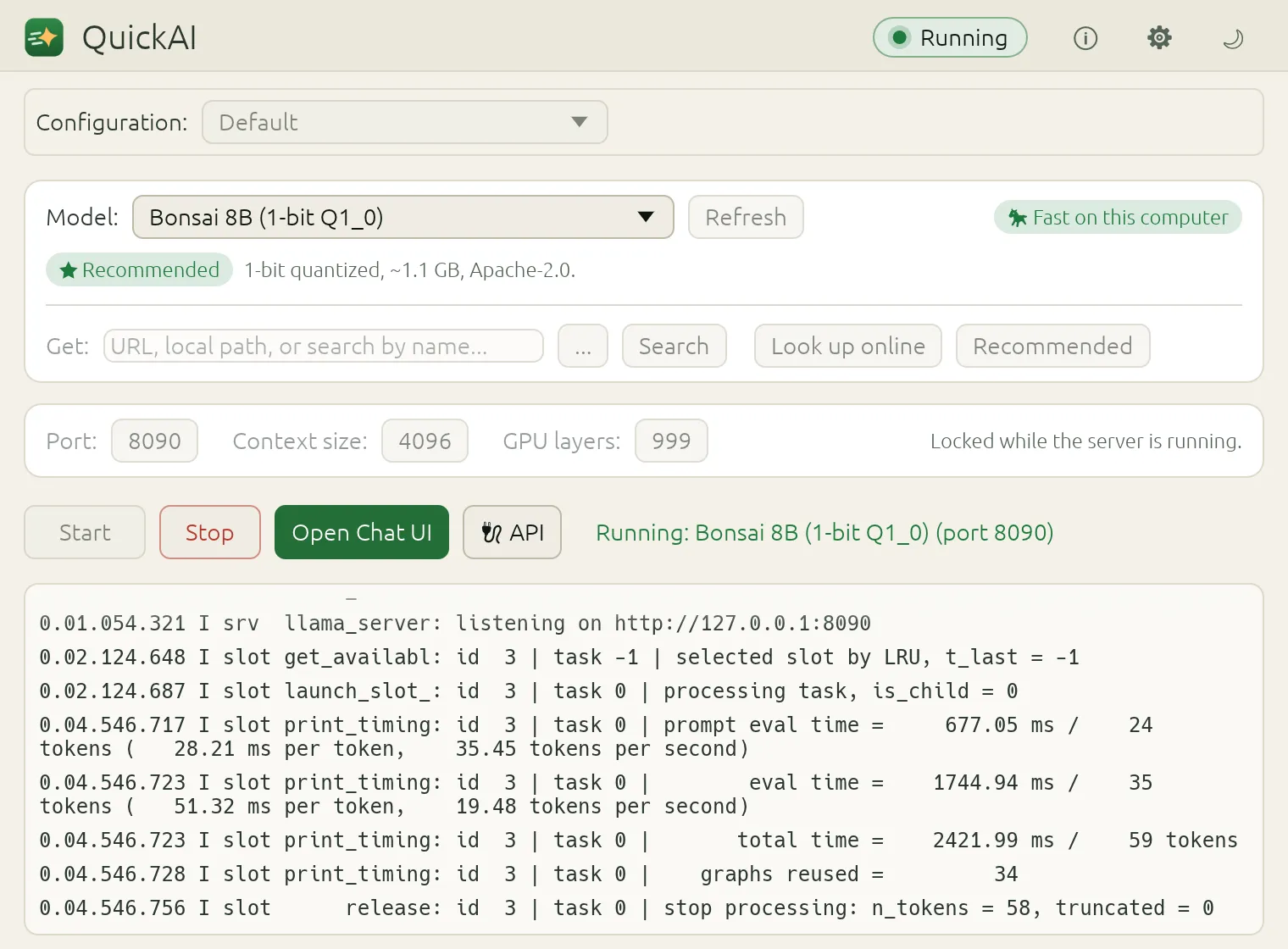
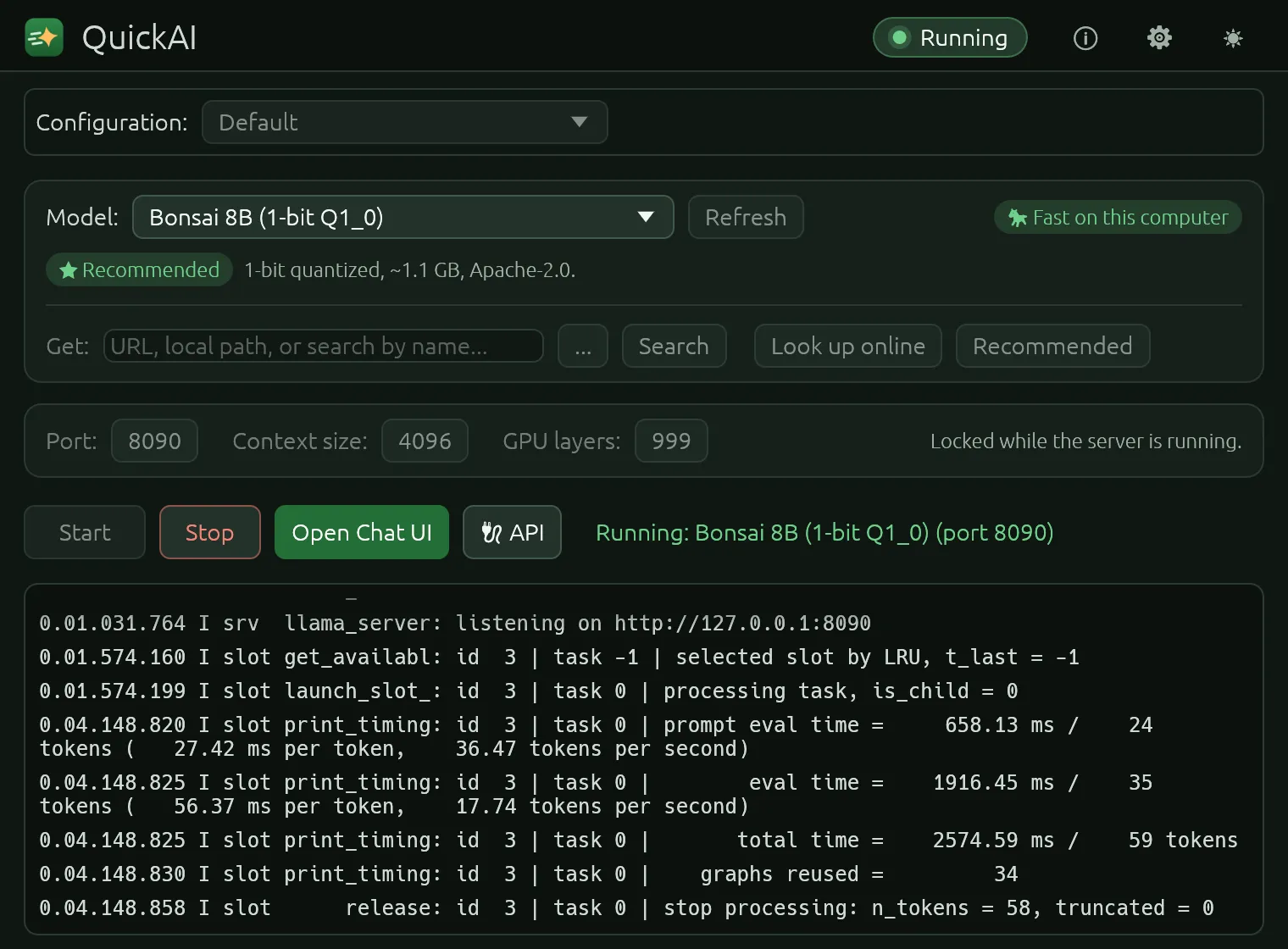
QuickAI 0.1.0 is on its way.
Packages for Linux (tar.gz and AppImage) and Windows (zip) will be on the Releases page, with the AUR, Homebrew, Snap, Scoop, Chocolatey and the Microsoft Store to follow. Each one carries everything it needs, so there is nothing to install first.
Until then you can build it from source with Rust:
git clone https://github.com/nihal-kader/quickai
cd quickai
cargo run --release -p quickai
Why QuickAI
Private by default
Models run on your computer, and the servers QuickAI starts listen on 127.0.0.1 only. No telemetry, no account, no update checks.
Works out of the box
It comes with llama.cpp and two 1-bit Bonsai models (1.1 GB and 0.25 GB), so your first chat needs no download at all.
Runs on ordinary hardware
GPU acceleration through Vulkan on AMD, NVIDIA and Intel. QuickAI suggests a model that fits your memory and estimates its speed before you start it.
80+ recommended models
For chat, reasoning, code, vision, reading documents, speech, translation and search. Every file is checked against its SHA-256 as it arrives.
Works with your other apps
An OpenAI-compatible API on your own machine, for editors, scripts and chat clients. The Live tab shows what each app asks, as it happens.
Setups you can share
Save an engine, a model and its settings as one small file and give it to someone else. Local paths and secrets are never in it.
Four engines, one window
Every engine QuickAI installs lives in its own folder under ~/.quickai, listens on 127.0.0.1 only and has its own calls home switched off.
| Engine | For | How you get it |
|---|---|---|
| llama.cpp | Chat, code, vision and embeddings, with any GGUF model | Built in |
| Ollama | The Ollama model library | Downloaded when you ask, and checked |
| ComfyUI | Pictures and video from workflows (LTX-Video, Wan 2.2 and more) | Installed when you ask, in a folder of its own |
| Open WebUI | A full chat page for Ollama | Installed when you ask; offline by default |
For your apps, and for your servers
An API on your own machine
While a model runs, any client that takes a custom OpenAI base URL works with it.
curl http://127.0.0.1:8080/v1/chat/completions \
  -H "Content-Type: application/json" \
  -d '{"messages": [{"role": "user",
"content": "Hello!"}]}' quickai-run, without a window
Takes a configuration made in the app, installs what it needs, fetches the models and starts it on a server.
quickai-run check vision-chat.toml
quickai-run up    vision-chat.toml
Requirements, privacy and license
What it needs
- Windows 10 or 11, or Linux with glibc 2.34+ (Ubuntu 22.04 and later)
- About 1.5 GB of disk with its two models
- A graphics card is optional
What it sends
- Nothing, until you search for or download a model or an engine
- No telemetry, analytics or crash reports
- Every host it can contact, and why
What it costs
- Nothing for personal and other noncommercial use
- A commercial license for use in or for a business
- How the license works
Hear when it's out
One email when QuickAI 0.1.0 is released. Nothing else, and your address is never shared.